Clip every stream into shortsshorts
ClipKit is free. Watch multiple Twitch and Kick streams at once, ad-free. Clip the last 30 seconds in one press and get a vertical video with word-timed captions and the streamer's facecam found by AI, in a different style for every account you post to.
Free · Cross-platform
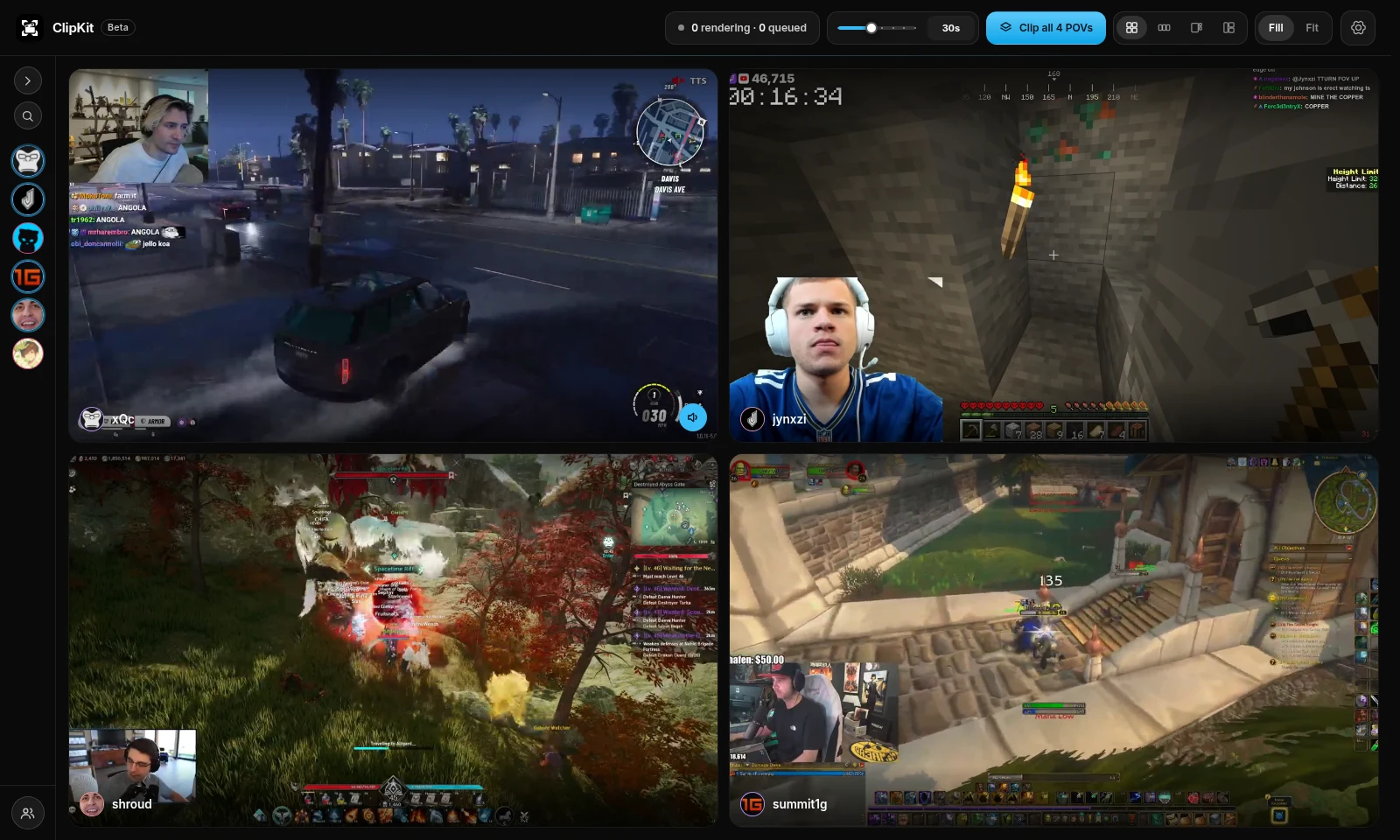
- Multiple streams at once
- No ads
- Clip the last 30 seconds
- Word-timed captions
- AI facecam detection
- Twitch · Kick
- A version for every account
- Templates per channel
- Every POV in one press
- Render queue
- Sync across computers
- Multiple streams at once
- No ads
- Clip the last 30 seconds
- Word-timed captions
- AI facecam detection
- Twitch · Kick
- A version for every account
- Templates per channel
- Every POV in one press
- Render queue
- Sync across computers
AI facecam detection
No more cropping by hand.
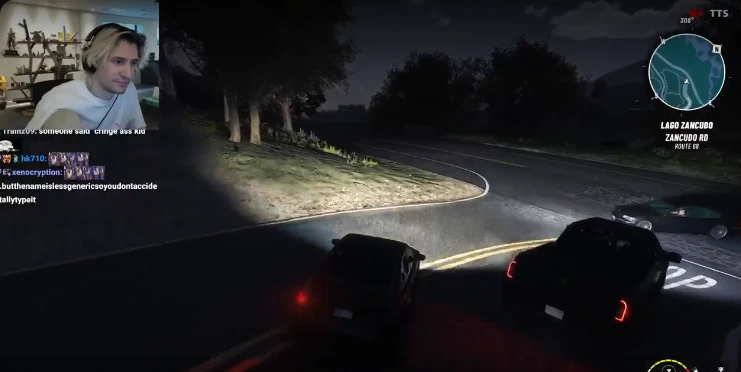
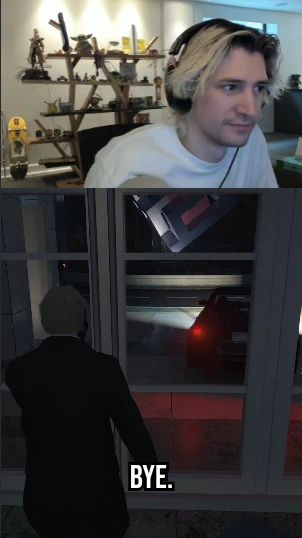
ClipKit's AI finds the streamer's camera in the stream, stacks it above the gameplay in the vertical clip, and remembers where it is for that streamer. Move or resize it whenever you like.
How it works
Watch. Clip. Edit. Render.
The whole loop in one app, built for posting dozens of clips a day.
Step 01
Watch multiple streams at once.
Open your streamers side by side, Twitch and Kick, without ads. ClipKit keeps the last few minutes of each, so you can clip after it happens.
- Multiple streams
- No ads
- See who's live
Step 02
Clip the moment in one press.
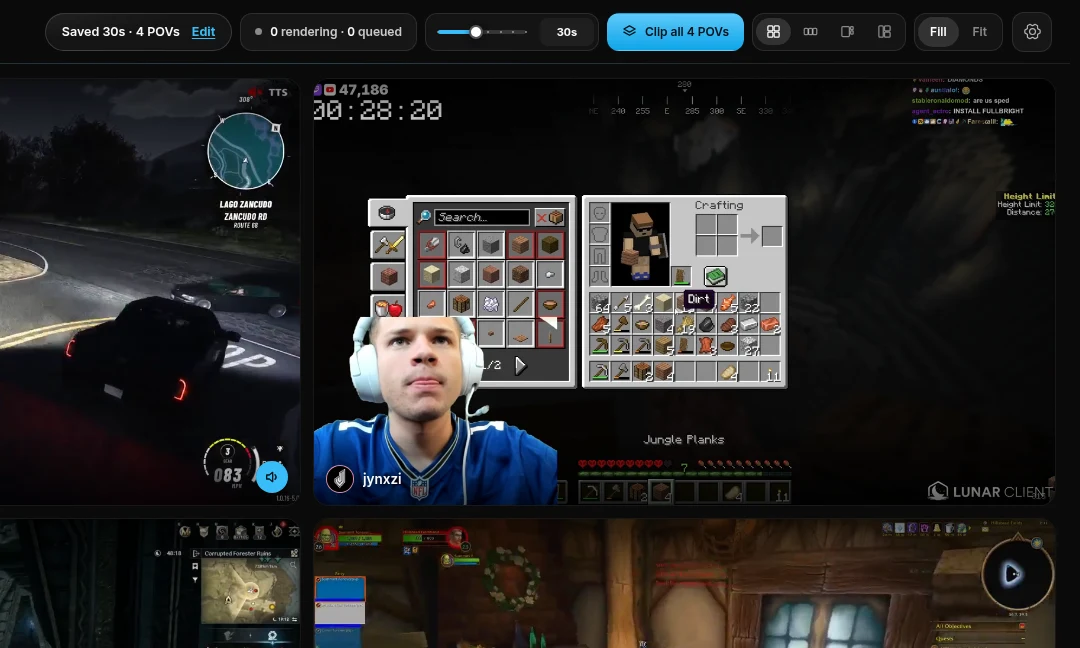
Something happens? Press Clip and the last 30 seconds are saved. Watching several POVs of the same moment? Clip all of them at once, lined up to the same second.
- Last 15–120 s
- Every POV at once
- Paste a VOD or clip link
Step 03
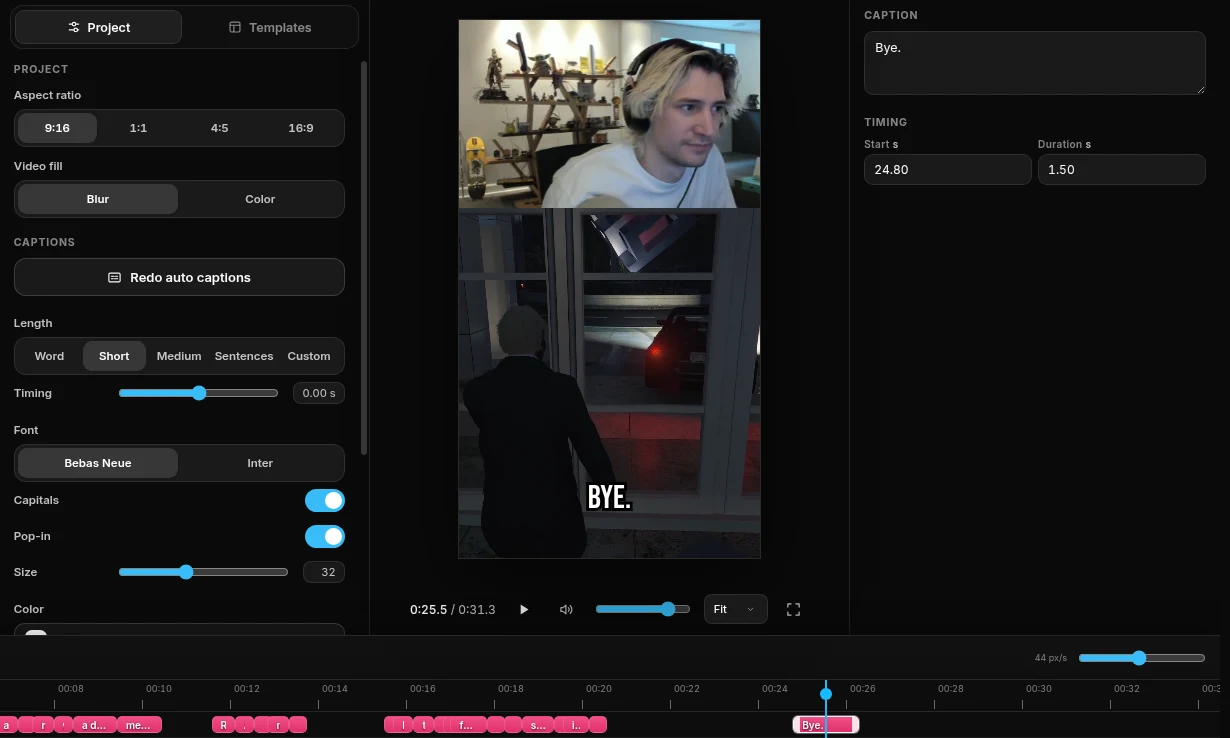
Edit it vertical, captions included.
The clip opens as a vertical video with the streamer's facecam stacked over the gameplay, and captions timed to every word. Fix any word, restyle, trim, or apply a template and be done.
- Word-timed captions
- AI facecam detection
- Templates
Step 04
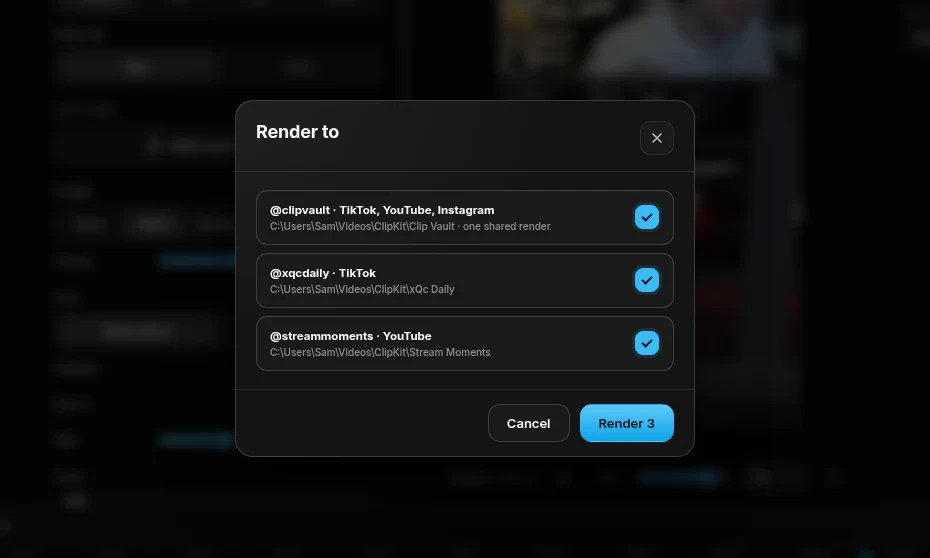
Render a version for every account.
Pick the accounts and press Render: each gets its own version with its own template, written to its own folder, ready to post. Keep watching while the queue works.
- One render, every account
- Your folders
- Render queue
Features
Everything a clipper does all day.
For people posting 10 to 50 clips a day across several accounts.
Multiple streams, no ads
Twitch and Kick live, side by side or one big with the rest beside it. No ads.
One-press clips
The last 15 to 120 seconds, saved the moment you press. Or every POV at once.
Word-timed captions
Made automatically and timed to each word; edit any of them, restyle all of them.
AI facecam detection
The streamer's camera is found by AI and stacked above the gameplay, then remembered per streamer.
A version for every account
A template per channel: one render writes a differently styled version for each account.
Videos from anywhere
Paste a Twitch or Kick VOD or clip, or a video from YouTube, X, Instagram, TikTok and most other sites.
Render queue
Queue clips and keep watching; renders run in the background, on the fastest encoder your computer has.
Sync across computers
Sign in and your streamers, accounts and templates follow you to your other computers.
Compare
How ClipKit compares.
| Feature | ClipKit | CapCut | Premiere Pro | DaVinci Resolve | StreamLadder | Eklipse | Opus Clip |
|---|---|---|---|---|---|---|---|
| Watch multiple live streams inside it, without ads | |||||||
| Clip a live moment in one press | Your own stream, by voice | ||||||
| Clips from Twitch and Kick links | Your files | Your files | Your files | Twitch on Pro | |||
| Automatic captions | Paid Studio version | ||||||
| Facecam laid out for you | Found by AI | By hand | By hand | By hand | Found by AI | Found by AI | Auto-reframe |
| One render, a differently styled version for each account | |||||||
| AI picks the moments for you | Coming soon | ||||||
| Price | Free | Free plan, paid upgrades | Subscription | Free; paid Studio | Free plan, paid upgrades | Paid only | Free plan, paid upgrades |
Download ClipKit
Free. New versions install themselves.
Windows 10 and 11, 64-bit · a setup under 1 MB that installs the rest
- WindowsSetup
- LinuxAppImage
- LinuxFlatpak
- Linux.deb (Ubuntu, Debian)
- LinuxAUR (Arch) · Coming soon
- MacMac · Coming soon
Community
Join the Discord.
Get help, report bugs, suggest features, and get notified of new versions.